Writing Blog Posts with MDX
How to write posts using frontmatter, markdown, and custom Astro components — with real examples for every field.
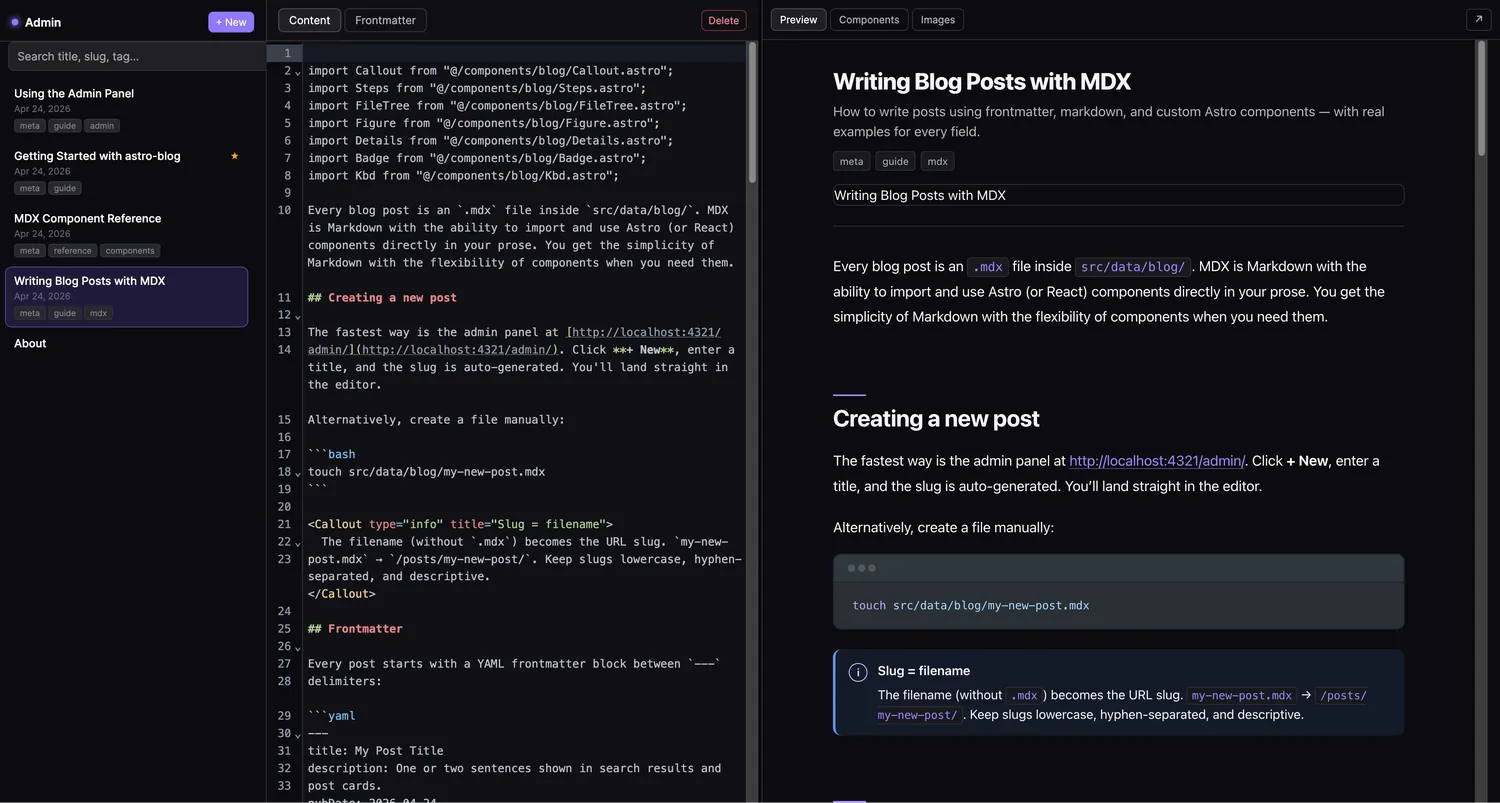
Table of contents
Every blog post is an .mdx file inside src/data/blog/. MDX is Markdown with the ability to import and use Astro (or React) components directly in your prose. You get the simplicity of Markdown with the flexibility of components when you need them.
Creating a new post
The fastest way is the admin panel at http://localhost:4321/admin/. Click + New, enter a title, and the slug is auto-generated. You’ll land straight in the editor.
Alternatively, create a file manually:
touch src/data/blog/my-new-post.mdxSlug = filename
The filename (without .mdx) becomes the URL slug. my-new-post.mdx → /posts/my-new-post/. Keep slugs lowercase, hyphen-separated, and descriptive.
Frontmatter
Every post starts with a YAML frontmatter block between --- delimiters:
---title: My Post Titledescription: One or two sentences shown in search results and post cards.pubDate: 2026-04-24updatedDate: 2026-05-01author: Jane Doetags: - tutorial - webheroImage: /images/blog/my-post/hero.webpdraft: falsefeatured: false---| Field | Required | Notes |
|---|---|---|
title | ✓ | Max 60 chars for good SEO |
description | — | Max 160 chars, shown in cards and search |
pubDate | ✓ | YYYY-MM-DD format |
updatedDate | — | Shows “Updated” label in the layout |
author | — | Defaults to SITE.author from config |
tags | — | Array of strings, used for tag pages |
heroImage | — | Path to cover image (shown in cards and post header) |
draft | — | true hides the post from production builds |
featured | — | true shows the post in the featured strip on the home page |
Markdown basics
Standard CommonMark markdown works everywhere:
## Heading level 2
Regular paragraph with **bold**, _italic_, and `inline code`.
- Bullet list- Another item
1. Numbered list2. Second item
> Blockquote for longer citations.
[Link text](https://example.com)
Use H2 and below
The post title is rendered as <h1> by the layout. Start your headings at ## to maintain the correct document outline.
Code blocks
Wrap code in triple backticks with a language identifier. Syntax highlighting is handled by Expressive Code with a Shiki backend:
```tsfunction greet(name: string): string { return `Hello, ${name}`;}```Supported features: line numbers, diff highlighting, titles, and more — see the Expressive Code docs.
Importing custom components
After the frontmatter, import any component you want to use:
import Callout from "@/components/blog/Callout.astro";import Steps from "@/components/blog/Steps.astro";
<Callout type="success" title="Works!">  This is a custom component inside MDX.</Callout>
All available components are documented in the Component Reference post.
Images
Put images in public/images/blog/your-slug/ and reference them with a root-relative path:
import Figure from "@/components/blog/Figure.astro";
<Figure  src="/images/blog/my-post/screenshot.webp"  alt="Descriptive alt text"  caption="Optional caption shown below the image."/>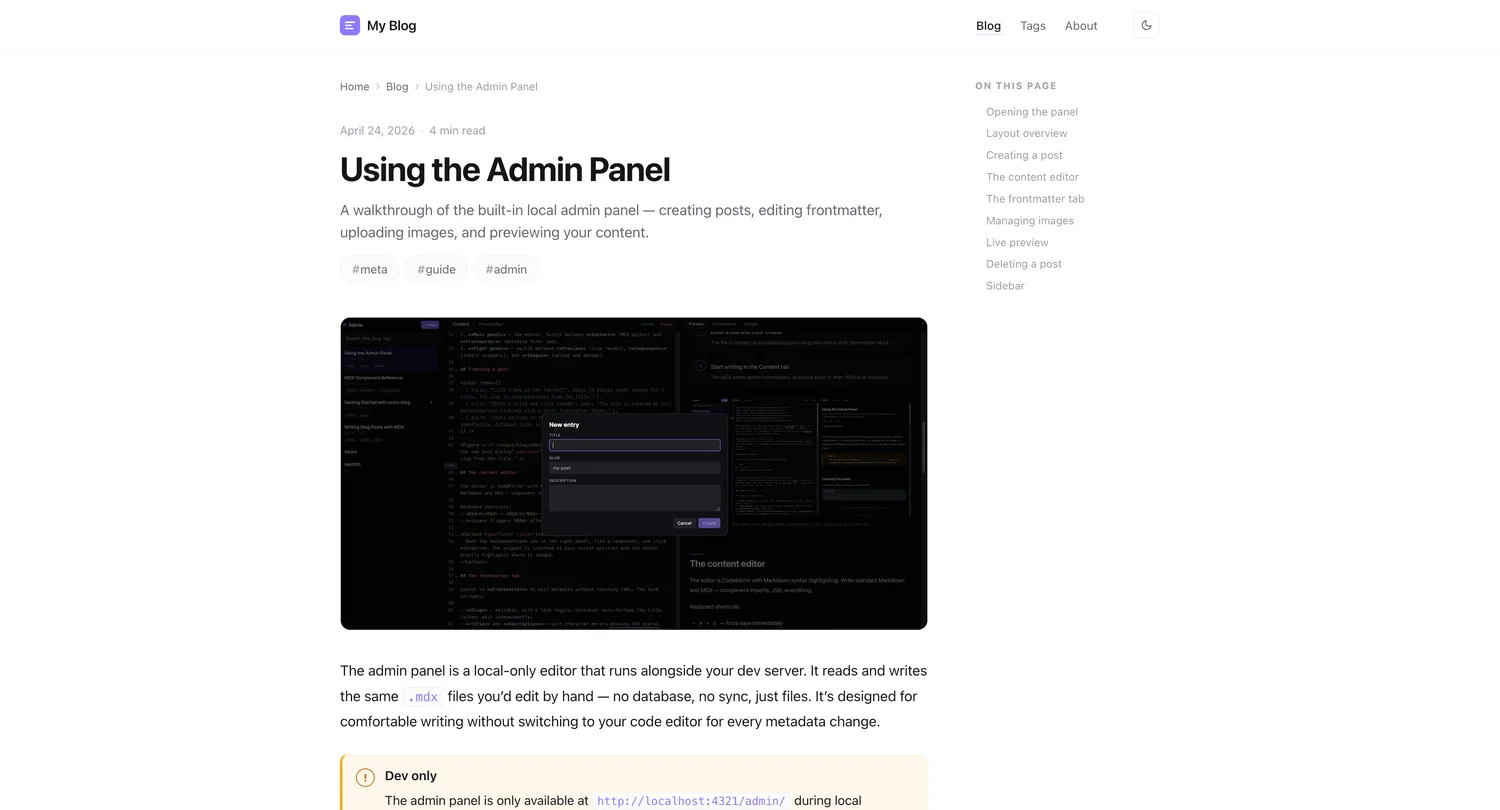
Alt text matters
Always write descriptive alt text. It’s read by screen readers and displayed when images fail to load.
Keyboard shortcuts in the editor
When writing in the admin panel:
- ⌘ + S — save (autosave also runs after 900ms of inactivity)
- Switch to the Frontmatter tab to edit metadata without touching YAML by hand
- The Components tab in the right panel shows a searchable list with insert snippets
- The Images tab lets you upload and copy image URLs directly
Drafts and scheduling
Set draft: true to hide a post from production. It still appears in the admin panel and in bun run dev.
To schedule a post, set pubDate to a future date — it will be hidden until that date is reached (within the grace window configured in site.config.ts).
How the grace window works
scheduledPostGraceMs in site.config.ts defaults to 0. If you set it to 3600000 (1 hour), posts will appear up to 1 hour before their pubDate. Useful for deployment lag.
Tags
Tags are free-form strings. They generate tag pages at /tags/your-tag/ automatically. Use consistent, lowercase, hyphenated slugs:
tags: - web-development - typescript - tutorial- src/
- pages/
- tags/
- [tag]/
- [...page].astro
- [tag]/
- tags/
- pages/
Frontmatter tips
Title length
Keep titles under 60 characters for Google — the SEO preview in the Frontmatter tab shows a live meter.
Description length
Descriptions over 160 characters are truncated in search results. The meter turns orange around 130 and red at 160.